> ## Documentation Index
> Fetch the complete documentation index at: https://docs.wolfia.com/llms.txt
> Use this file to discover all available pages before exploring further.
# Wolfia Chrome Extension: Autofill Vendor Portals
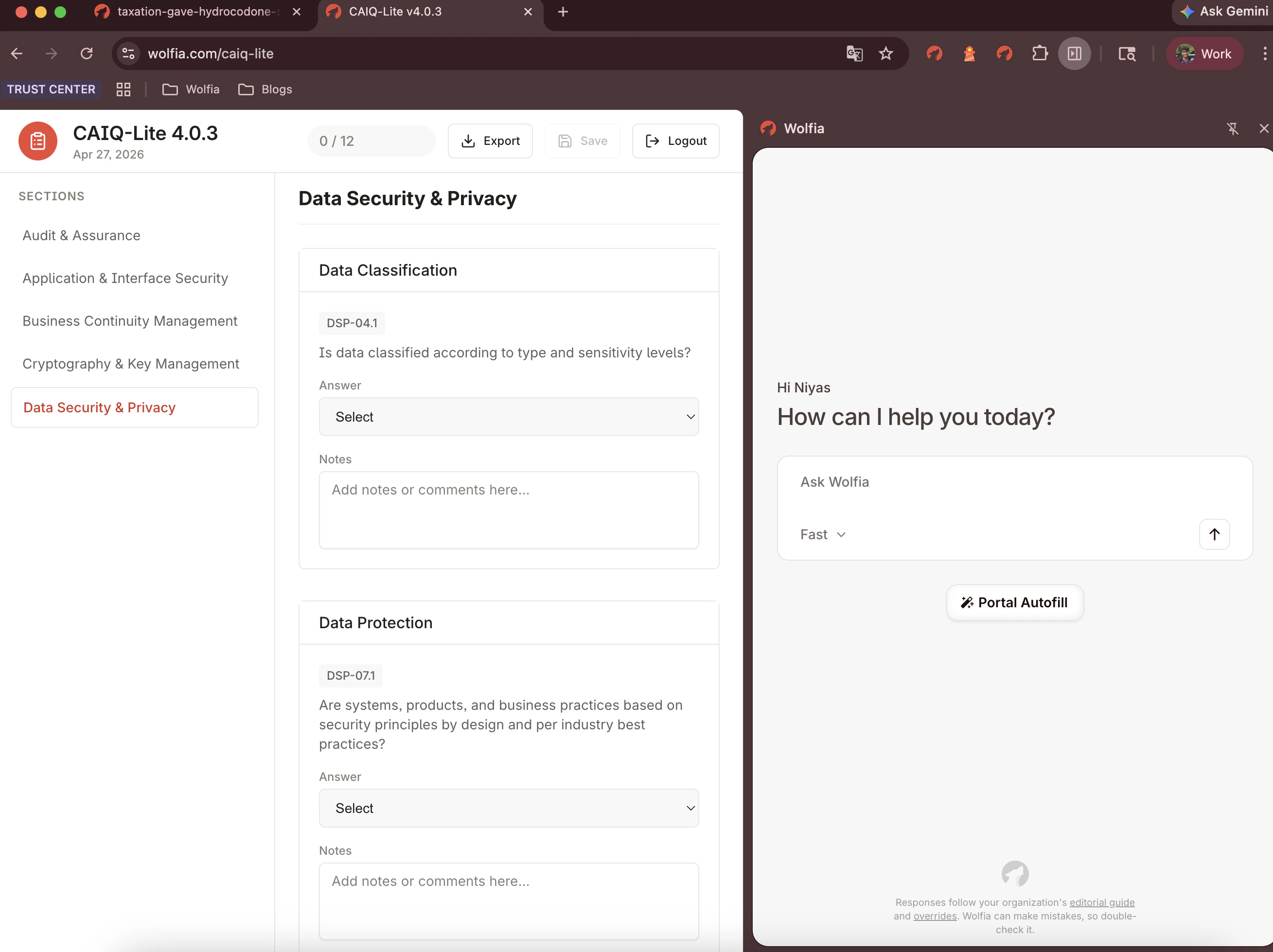
> The Wolfia Chrome extension drafts answers from your knowledge base and writes them into OneTrust, Drata, ProcessUnity, LogicGate, and other vendor portals.
Open the portal, click **Portal Autofill**, review the answers Wolfia drafts in your dashboard, and have them written back into the form automatically.
 ## Get started
Install, pin, and log in to the Wolfia Chrome extension.
Answer your first portal questionnaire in about five minutes.
Portal support, requesting a new portal, and where to get unstuck.
## Get started
Install, pin, and log in to the Wolfia Chrome extension.
Answer your first portal questionnaire in about five minutes.
Portal support, requesting a new portal, and where to get unstuck.