

What syncs
- Call transcripts for the calls you select, including the call title, duration, and participants
- Each imported call becomes a knowledge source in your Knowledge Hub, alongside your documents and other integrations
Connect Gong
1
Create Gong API credentials
In Gong, go to Company Settings, then Ecosystem, then API, and click Get API Key. Gong generates an Access Key and an Access Key Secret. Copy both values, since you’ll need them in the next step. Your Gong user must have the technical administrator role to generate API keys.
2
Open the Knowledge Hub
In Wolfia, go to the Knowledge Hub, scroll to Available Integrations, and find Gong under Sales.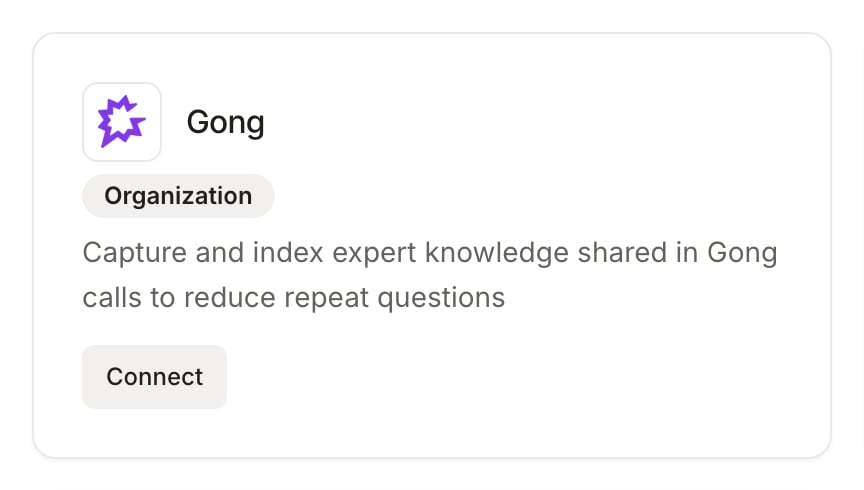
3
Link your account
Click Connect on the Gong card, or open the Gong page and click Connect Gong Account. In the Link Gong Account dialog, enter your Gong Access Key and Access Key Secret, then click Connect.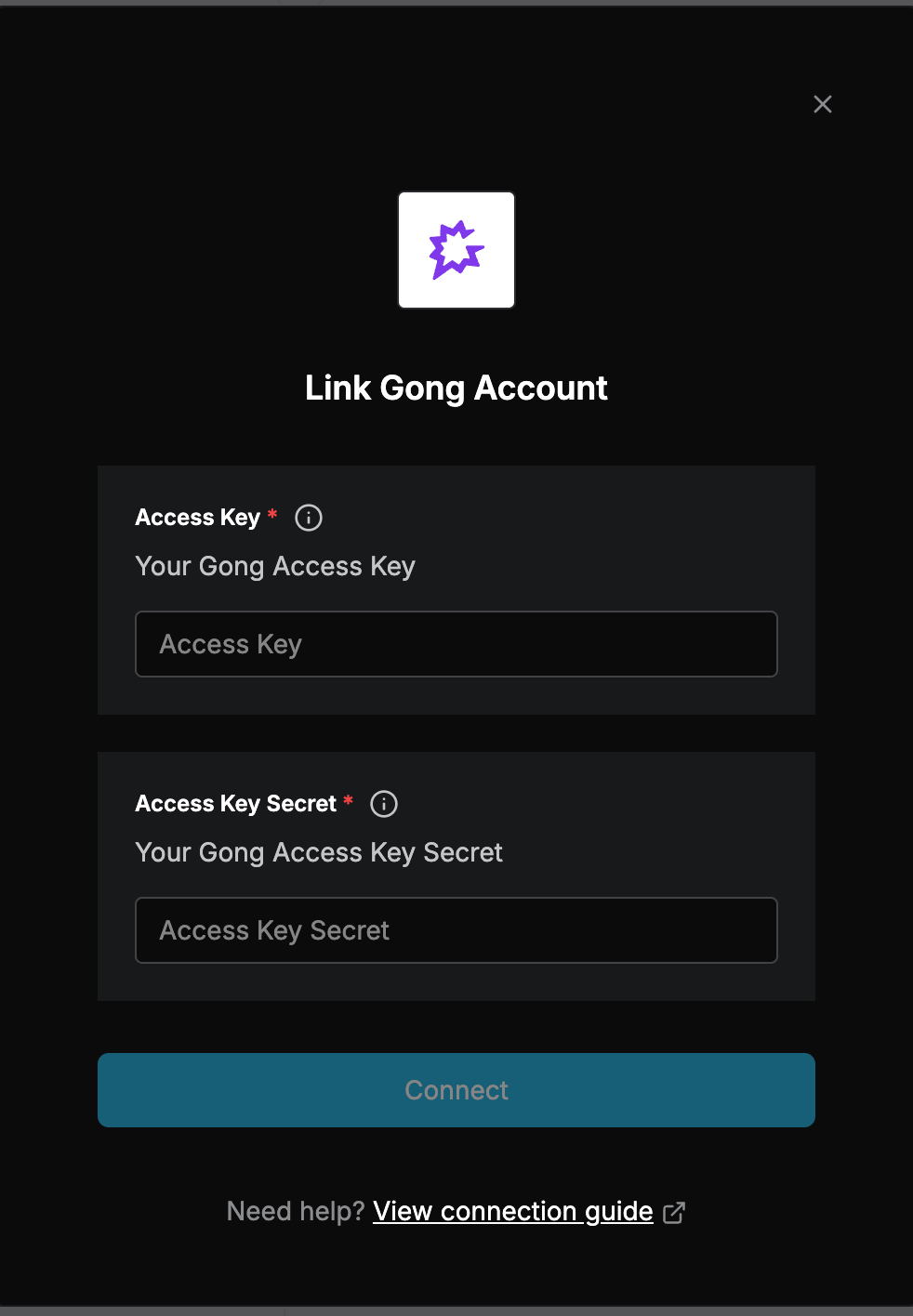
Import call transcripts
Once connected, open the Gong page from the Knowledge Hub to browse and import calls.1
Pick a date range
Use the date filters to choose the period you want to browse. By default, Wolfia shows calls from the last 30 days.
2
Select the calls
Check the calls you want to import. The list shows each call’s title, time, duration, and participants so you can pick the right conversations.
3
Process
Click Process. Wolfia fetches each selected call’s transcript from Gong and adds it to your knowledge base. Once processing completes, the content is available to power answers.
FAQ
Does Wolfia import all of my Gong calls?
Does Wolfia import all of my Gong calls?
No. Only the calls you select and process are imported. Everything else in Gong is untouched.
What does an imported call look like in Wolfia?
What does an imported call look like in Wolfia?
Each call becomes a knowledge source containing the transcript, with the call title, duration, and participants. It is used for answering the same way as any other knowledge source.
What Gong permissions do I need?
What Gong permissions do I need?
You need a Gong API access key and secret, which only a user with the technical administrator role in Gong can generate (under Company Settings, Ecosystem, API).
Can I remove an imported call later?
Can I remove an imported call later?
Yes. Imported calls are knowledge sources, so you can manage or remove them from the Knowledge Hub like any other source.
Related pages
Knowledge base
How Wolfia organizes and uses your knowledge sources.
Adding knowledge
Other ways to bring content into Wolfia.
Google Drive integration
Sync documents and folders from Google Drive.
Salesforce integration
Bring CRM context into Wolfia.