

1
Install from the Chrome Web Store
Open the Wolfia Chrome extension listing and click Add to Chrome.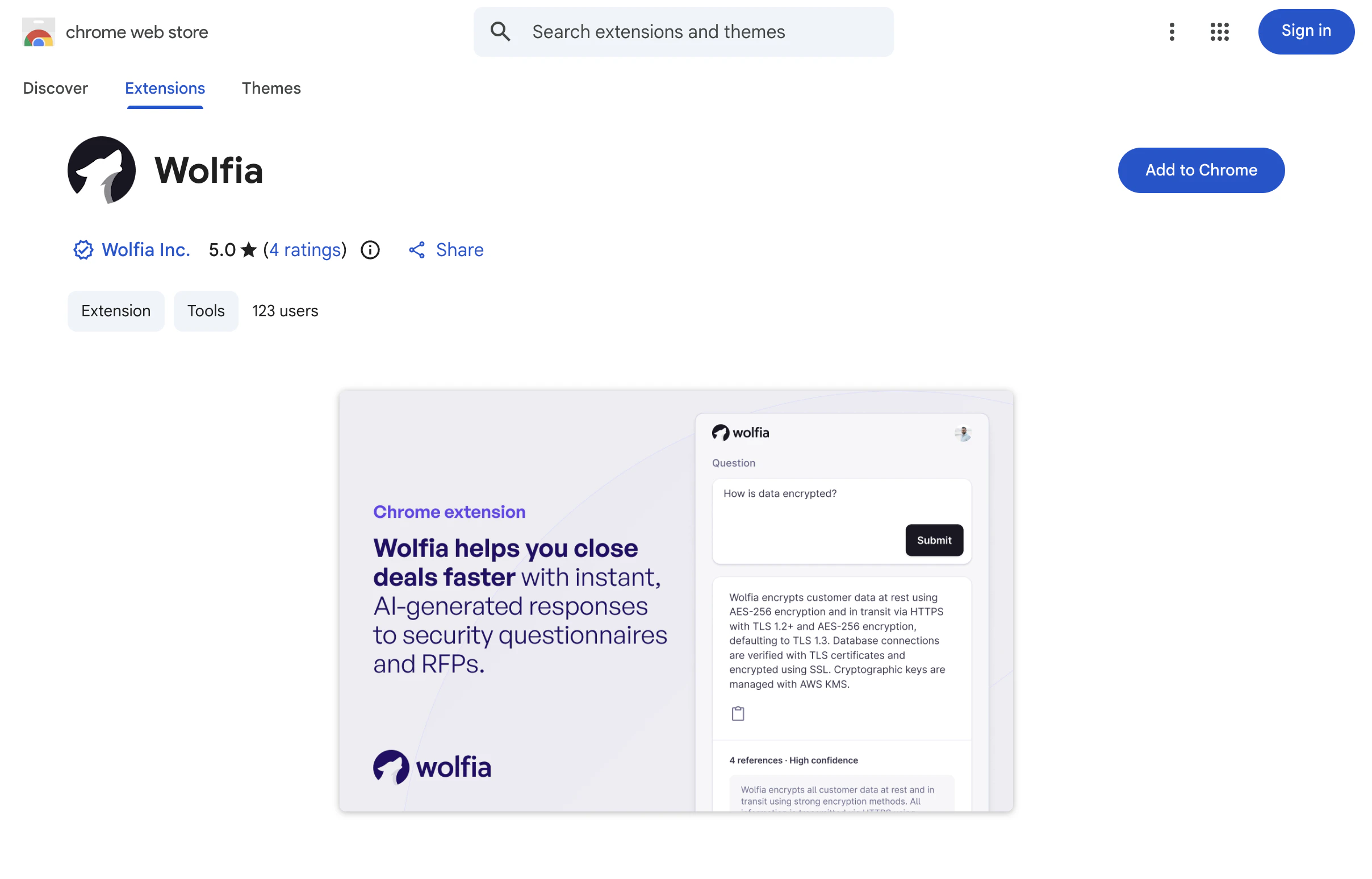
2
Pin the extension
Click the puzzle icon in the toolbar and pin Wolfia so it stays visible.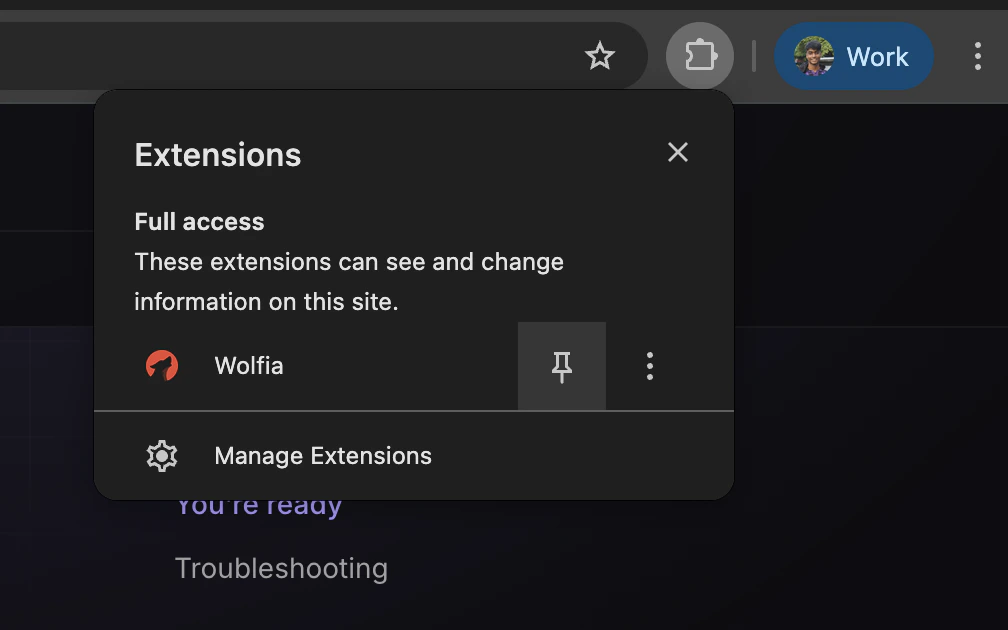
3
Log in
Open the extension and click Log in. Use the same Google or SSO account you use at wolfia.com.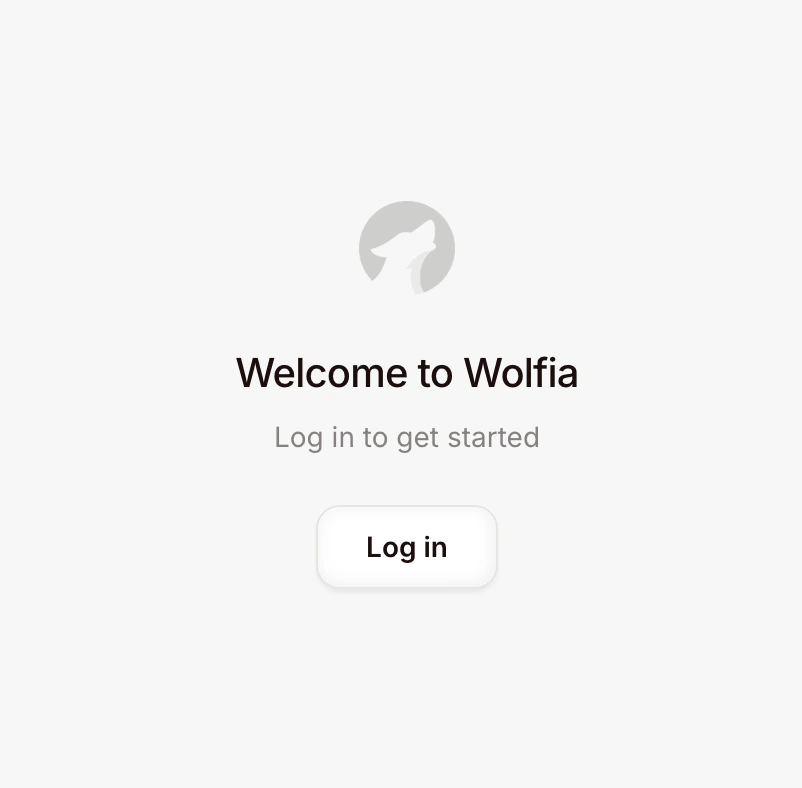
You’re ready
With the extension installed and logged in, head to the quickstart to answer your first portal questionnaire.Troubleshooting
I don't see the Wolfia icon in the toolbar
I don't see the Wolfia icon in the toolbar
Click the puzzle icon, find Wolfia in the list, and click the pin so it appears as a fixed icon. Without pinning, the extension is still installed but lives behind the puzzle menu.
Login doesn't work
Login doesn't work
Confirm you can log in at wolfia.com in the same browser profile. The extension uses your Wolfia session, so if your account isn’t set up there, the extension can’t sign you in. Reach out to your admin if you need an invite.