

Get started
Installation
Install, pin, and log in to the Wolfia Chrome extension.
Quickstart
Answer your first portal questionnaire in about five minutes.
Help
Portal support, requesting a new portal, and where to get unstuck.
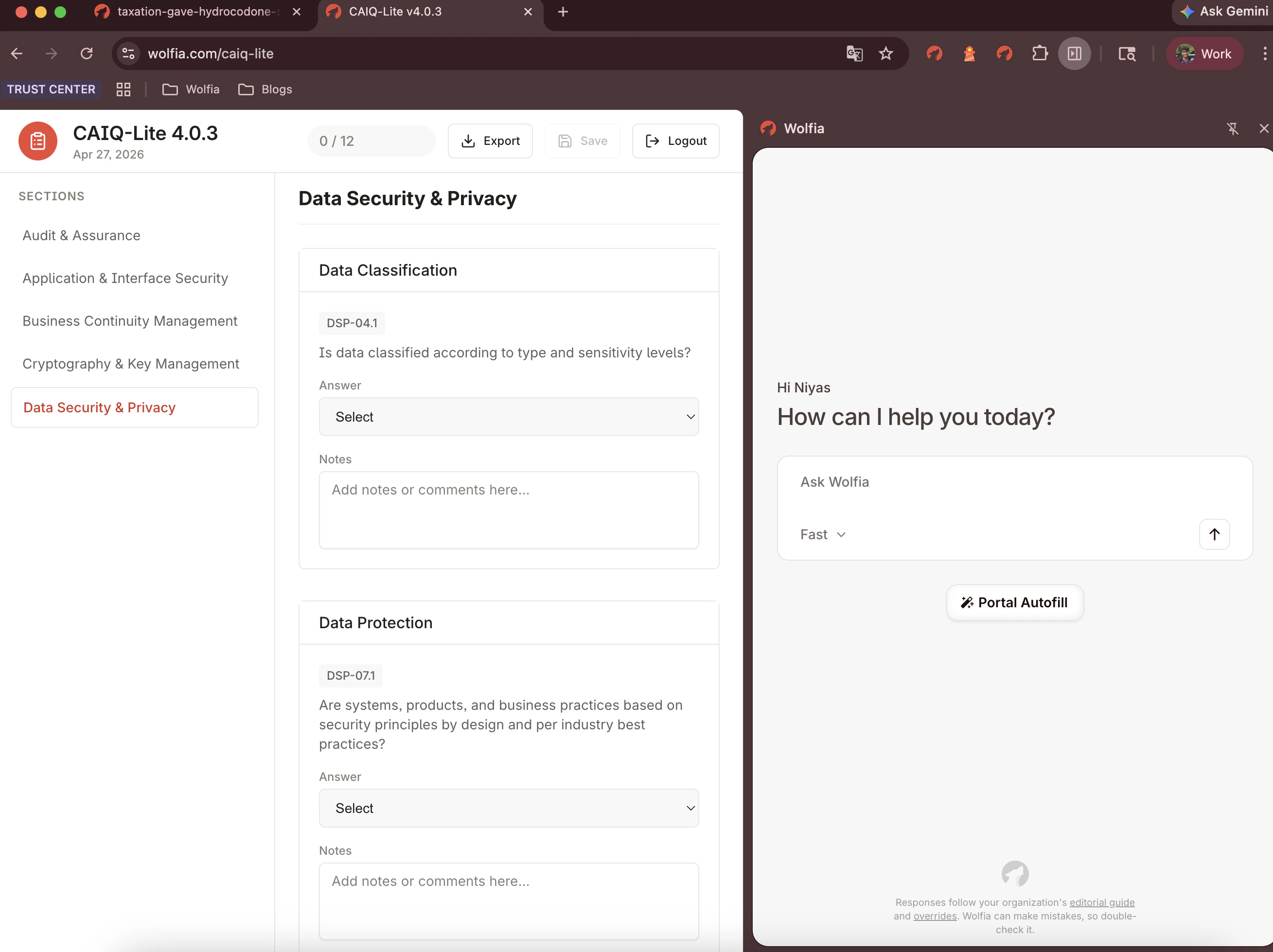
The Wolfia Chrome extension drafts answers from your knowledge base and writes them into OneTrust, Drata, ProcessUnity, LogicGate, and other vendor portals.